Space9 mobile access for Australia
Space9 Mobile Australia: iPhone, Android and Browser Access
 Available in US
Space9 supports mobile browser play. Its current App Centre also separates the two main installation routes: on iPhone, Space9 provides a PWA-style Add to Home Screen option, while on Android it provides an H5/web-app installation route. Those are not the same thing as a verified native App Store or Google Play application.
That distinction resolves the main “Space9 app” ambiguity. A browser session, an iOS home-screen PWA and an Android H5 web app can all feel app-like, but their delivery models differ. This guide explains what the current Space9 material actually supports, what to check before using a saved shortcut or installed web app, and which account or cashier questions belong on separate pages.
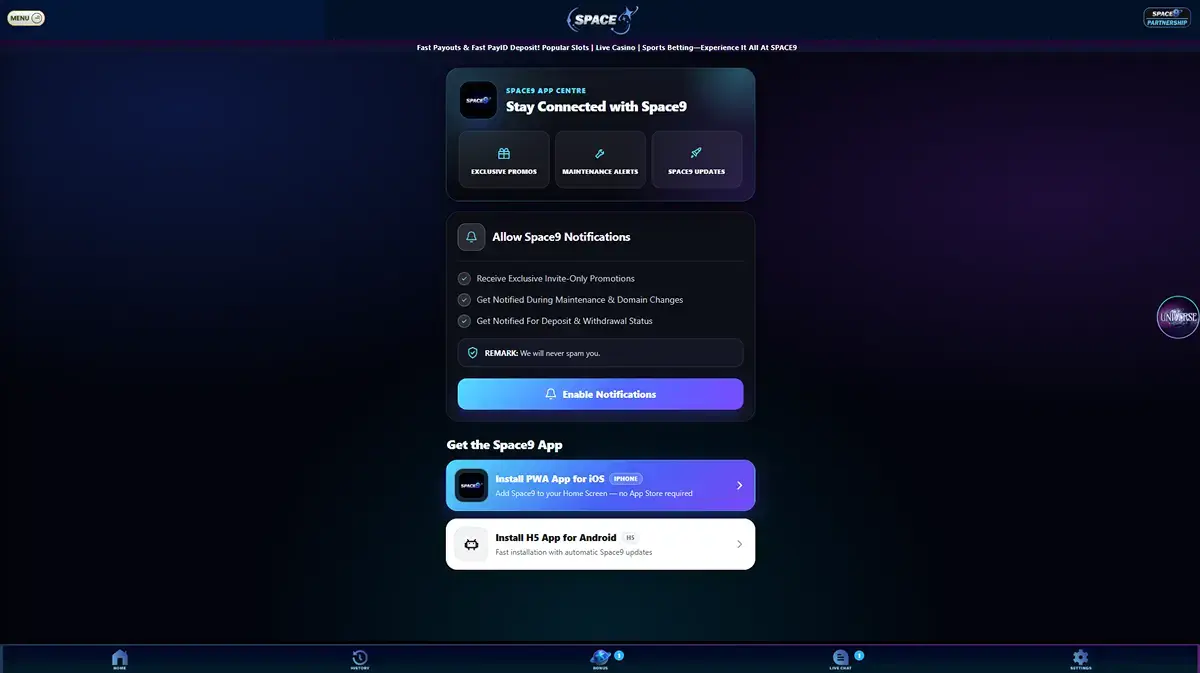
Table of Contents
Space9 mobile access in one table
| Access route | Verified model | What it means |
|---|---|---|
| Mobile browser | Supported | Space9 can be accessed through a mobile browser without installing a conventional native app. |
| iPhone | PWA / Add to Home Screen | The current App Centre tells iPhone users to add Space9 to the Home Screen and says no App Store is required. |
| Android | H5 / web-app installation | The current App Centre presents an H5 installation route rather than a conventional Google Play listing. |
| Native App Store app | Not verified by the approved evidence | Do not treat a home-screen PWA as proof of an Apple App Store listing. |
| Native Google Play app | Not verified by the approved evidence | Do not treat the H5 route as proof of a Google Play listing. |
The difference matters for troubleshooting and security. A native store app is distributed through a platform store. A PWA or H5 web app is delivered through web technology and can create an app-like shortcut or installed experience without being a conventional store package.
What PWA, H5 and native app mean
PWA stands for progressive web app. In the Space9 iPhone flow, the practical sign is the Add to Home Screen route. The result can launch from a home-screen icon and feel more app-like than a normal browser tab, but that does not turn it into an App Store application.
H5 is the label used by the current Space9 Android route. In this context it refers to a web-app style installation path. The important editorial point is not the branding of the technology. It is that Space9 presents Android access as H5 rather than as a verified conventional Google Play app.
Native app normally means software distributed as a platform application, commonly through the Apple App Store or Google Play. This guide does not claim such a listing for Space9 because the approved evidence does not verify one. If a store listing appears later, the publisher identity and official provenance would need to be checked before this page should call it official.
Why wording matters
“Space9 app” can describe an app-like mobile experience, but it should not be used as shorthand for a native store listing when the verified delivery route is PWA or H5.
Using Space9 on iPhone
The current Space9 App Centre labels the iPhone route as an iOS PWA and tells users to add Space9 to the Home Screen. It also identifies Safari in the iOS instructions. The useful sequence is therefore a browser-based one rather than an App Store search.
- Open the current Space9 App Centre in Safari on the iPhone.
- Use the Add to Home Screen route presented by the site.
- Launch the saved Space9 entry from the Home Screen if you want the PWA-style experience.
- Before entering account details, check that the opened page is the expected Space9 domain and not a lookalike page.
The App Centre also discusses notifications for the installed iPhone experience. Notification permissions are optional device settings, not evidence that the product is a native iOS app. If a prompt appears, read the permission request and decide whether you want it rather than enabling it automatically.
Using Space9 on Android
On Android, the current App Centre presents an “Install H5 App for Android” route. The page describes it as H5 rather than as a Google Play download. That means the safe editorial instruction is to follow the verified Space9 App Centre route and treat the result as a web-app installation model.
- Open the current Space9 App Centre on the Android device.
- Use the H5 installation option shown there if you want an app-like shortcut or installed web experience.
- Check the domain and page identity before entering login or payment information.
- Do not assume a separate APK file is official unless its origin is independently verified.
This site does not provide APK sideload instructions. The approved evidence does not establish a verified official APK package with publisher provenance, so adding sideload steps would go beyond the source-supported mobile model.
Mobile browser access may be the simplest route
Space9 supports mobile browser play, so installation is not required to establish that the service can be used from a phone browser. For some readers, that distinction is useful because it separates access from installation. A saved PWA or H5 shortcut is a convenience layer, not a prerequisite for mobile browser support.
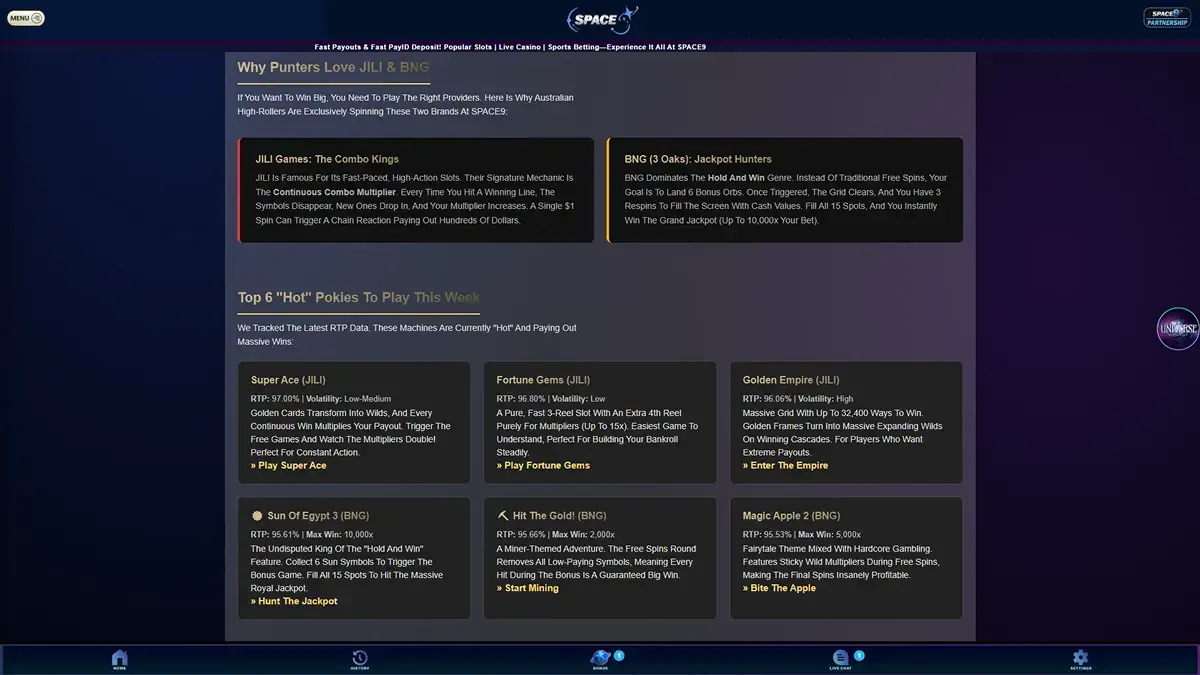
When testing the browser route, focus on basic usability rather than benchmark claims that are not verified here. Check whether navigation is readable, game categories open correctly, account controls are reachable and the cashier can be accessed without losing the session. The Space9 games covers the library itself rather than duplicating mobile installation instructions.
Account continuity and OTP checks
Space9 uses OTP verification in its account flow. On mobile, that means a login or account step can involve a one-time verification stage even though the device is already familiar. A PWA or H5 shortcut should not be treated as a way to bypass normal account verification.
If a session expires, return through the verified access route and follow the normal account process instead of trying to preserve credentials in an unverified shortcut or third-party wrapper. The Space9 account guide covers registration, login and OTP in the correct context.
It is also worth separating interface convenience from account identity. A home-screen icon can make a website faster to reopen, but the account still belongs to the same service. Clearing browser data, changing browsers or switching devices can affect session state even when the underlying account is unchanged.
Cashier access on mobile
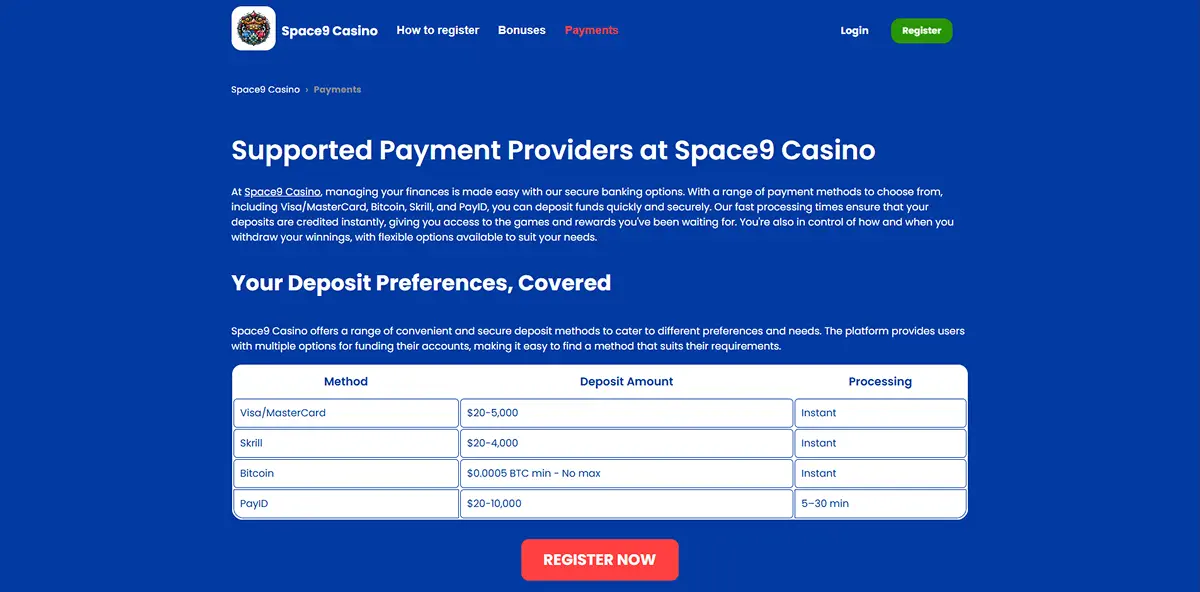
The mobile page should not duplicate a full payment guide, but readers should confirm that the cashier opens correctly on the route they use. Space9 supports payment categories documented elsewhere on this site, and those facts are independent of whether the user enters through a browser tab, PWA shortcut or Android H5 route.
If the payment screen behaves differently after changing access mode, verify that the same account is signed in and that the domain is correct before re-entering information. For the supported payment-method evidence and its limits, use the Space9 payment methods.
A practical mobile security checklist
The strongest checks do not depend on whether the icon looks polished. They depend on provenance and account behaviour.
- Check the domain. Open the current verified Space9 route rather than following an unknown mirror or forwarded download page.
- Distinguish web app from store app. A PWA or H5 shortcut is not proof of an Apple or Google store listing.
- Protect OTPs. Treat a one-time code as an account credential and do not disclose it to another person.
- Review notification permissions. Enable only the permissions you understand and actually want.
- Avoid unverified sideloads. This guide does not validate a separate APK package.
- Check account continuity. If the session or account identity looks different after installation, stop and return through the known route.
This is more useful than a generic statement that an “app is safe”. Safety depends on the exact source, domain, permissions and account flow. For a broader evidence-led assessment of the brand, see the independent Space9 analysis.
What this guide does not claim
This page does not claim that Space9 has a verified native App Store app or Google Play app. It does not publish an APK download path, benchmark load speeds, battery-use claims, device-by-device compatibility lists or a promise that every game works identically on every phone.
Those omissions are not gaps to fill with assumptions. They are boundaries between what the current evidence supports and what would require a new verification step. If the delivery model changes later, the App Centre should be rechecked before this page is updated.
Bottom line
Space9’s verified mobile model is straightforward once the word “app” is unpacked. Mobile browser play is supported. On iPhone, the current route is PWA-style Add to Home Screen. On Android, the current route is an H5/web-app installation. Neither route should be described as a verified native store app without separate evidence.
Use the current Space9 App Centre as the reference point, check the domain before entering account details, and treat OTP, session and cashier behaviour as account-level functions rather than app-specific features. For the complete site map, return to the full Space9 overview.
Published by the Space9 Casino team.